1: From the Analytics tab in HiBob you must create a new report in csv format, and choose the fields according to the fields required by Lara. If you need to create new fields, you can find details on how to do it here.
You must program it to be sent every day at a specific time (whenever you prefer).
2: Go to Integrations > Storage > SFTP and there generate a private key.
3: Generate the public and private keys for the SFTP (keep the private key for your organization and you should never share it with the Lara team).
4: Share the public key with the Lara AI team so they can make the necessary configurations, and you can integrate with our host.
Our team will confirm when this step is ready.
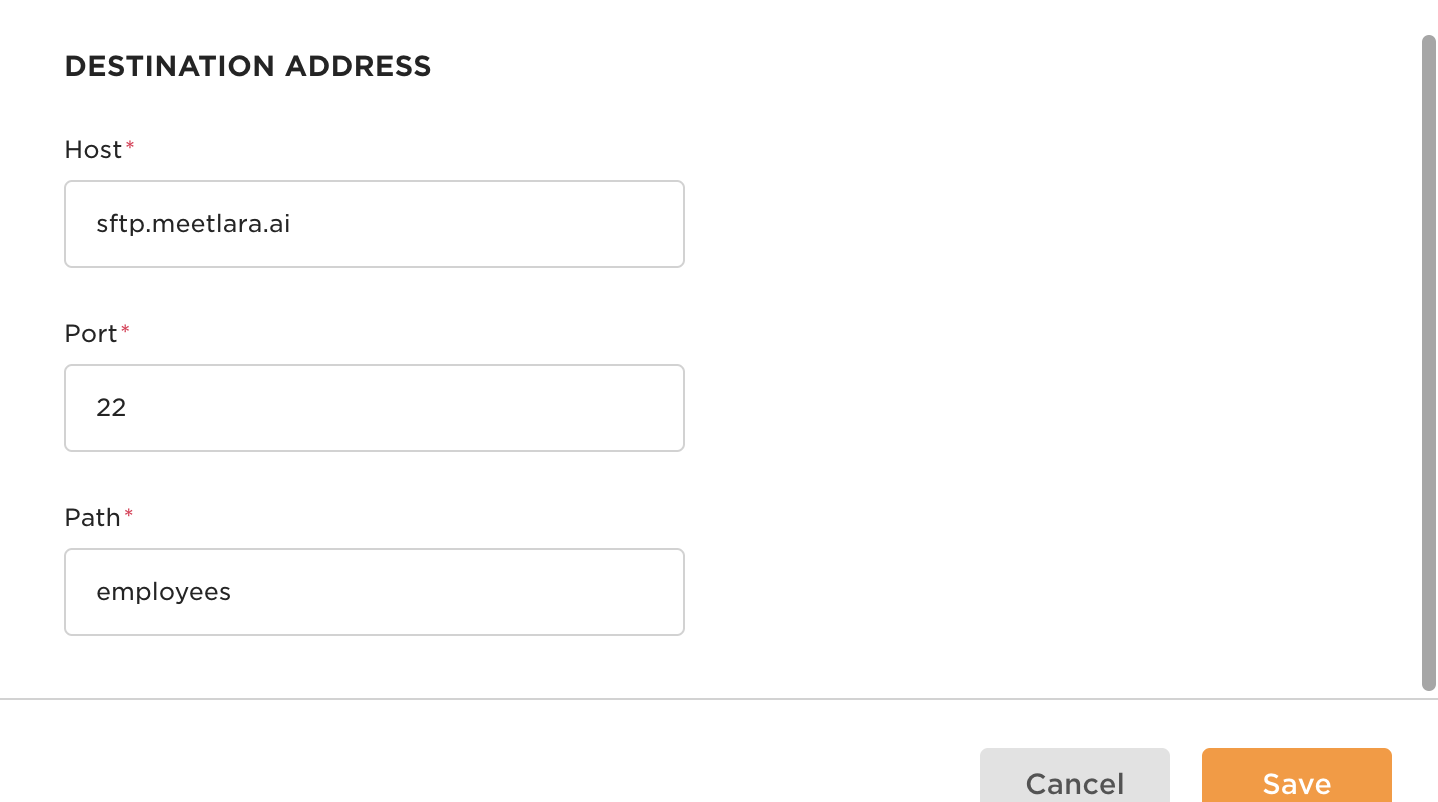
5: Once you receive confirmation from Lara AI, enter the destination address, where you can include the following information:
Host: sftp.meetlara.ai
Port: 22
Path: employees
6: Make a schedule... and that's it! The integration will now be ready.
If you have any questions, please contact soporte@meetlara.ai.
¿Le fue útil este artículo?
¡Qué bueno!
Gracias por sus comentarios
¡Sentimos mucho no haber sido de ayuda!
Gracias por sus comentarios
Comentarios enviados
Agradecemos su iniciativa, e intentaremos corregir el artículo